

AI SMILE TRY A NEW LOOK
Your smile.
In a new light.
Your photo, your style, your shade. Add a photo, choose a look and shade, and in about a minute see what your new smile could look like.
How do I take a good photo? ↓- 1Photo
- 2Look and shade
- 3Your new smile
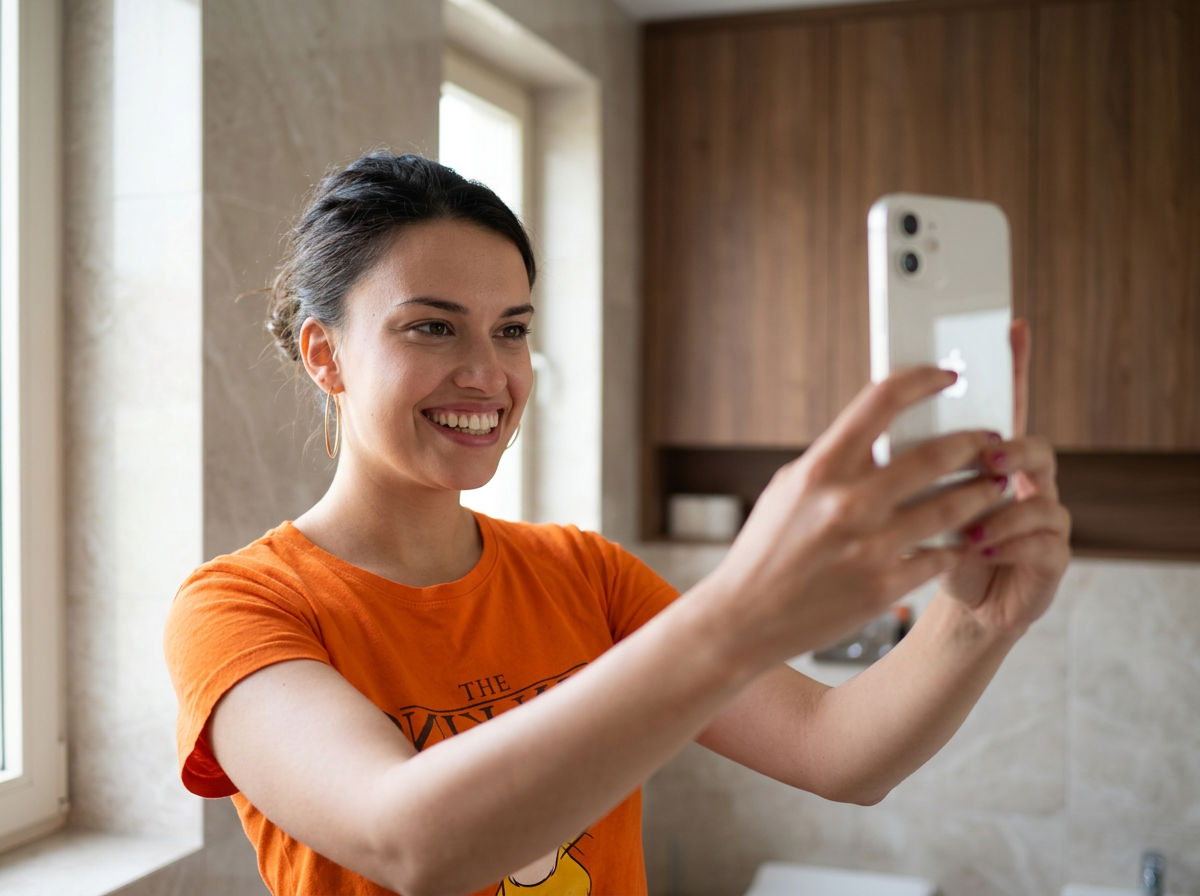
Let's start with your smile.
One clear photo is enough.
JPG, PNG or WebP · up to 8 MBYou can also drag a photo here.Creating your new smile…It usually takes 30–60 seconds. Do not close the page.
Drag the slider over the image to compare before i after.
AI visualisation is an illustration of a possible look, not a diagnosis, treatment plan or guarantee of results.
GOOD PHOTO, CLEARER PREVIEW
Capture your smile
in the best light.
Stand in front of a window and hold your phone at face level. A professional shot is not necessary.
Look straight at the camera
Ensure the whole face, lips, and teeth are visible. Avoid profile photos.
Smile naturally
Teeth should be clearly visible, without hands or objects over the mouth.
No filters or harsh shadows
Use even daylight and ensure the photo is not blurry.